
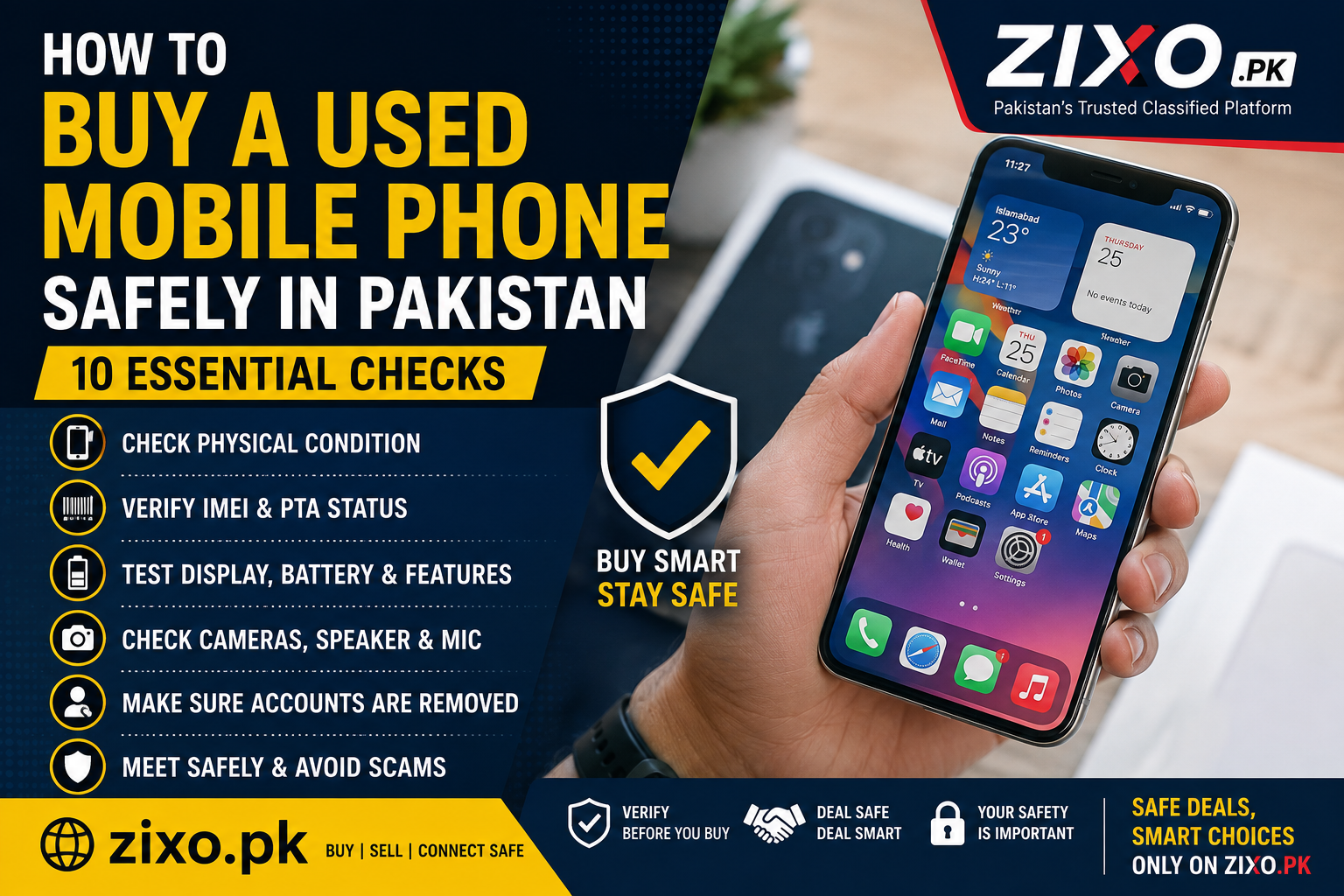
Buying a used mobile phone can save you money, but it also comes with risks. A phone may look perfect from the outside while hiding battery problems, display issues, repaired parts or PTA-related problems.
Here are 10 practical checks that can help you buy a used mobile phone more safely in Pakistan.
1. Check the Phone’s Physical Condition
Inspect the phone carefully from every side. Look for cracks, dents, loose buttons, damaged camera glass or signs that the device has been opened or repaired.
Small scratches may be normal, but major damage can indicate previous drops or repairs.
2. Test the Display Properly
Open a white screen and then a dark screen to check for dead pixels, screen burn, unusual lines or colour problems.
Also test the touch screen across the entire display to make sure every area responds correctly.
3. Check the Battery Health
Battery condition is important, especially on older phones. If the phone loses charge very quickly, heats up unusually or shuts down unexpectedly, the battery may need replacement.
Where the device supports battery-health information, check it before buying.
4. Test Cameras, Speakers and Microphone
Open the front and rear cameras and take a few photos and videos.
Play audio through the speaker and record a short voice note to test the microphone. Also check the earpiece during a phone call if possible.
5. Check Charging and Connectivity
Connect a charger to make sure the charging port works properly.
Test Wi-Fi, Bluetooth, mobile network, SIM detection and mobile data. If the phone supports fingerprint or face unlock, test those features as well.
6. Verify the IMEI and PTA Status
Before buying a used mobile phone in Pakistan, verify the device’s IMEI and confirm its PTA status through the official PTA/DIRBS channels.
Make sure the IMEI shown in the phone settings matches the device information and packaging where applicable.
Do not rely only on a seller’s screenshot. Verify the status yourself using the current official PTA verification method.
7. Check That Accounts Are Removed
Before completing the purchase, make sure the previous owner’s Apple ID, Google account or other device-lock account has been removed.
A phone that is still connected to someone else’s account may become unusable after a reset.
8. Be Careful With Very Cheap Deals
If the price is significantly lower than similar phones, find out why.
Very cheap devices may have hidden faults, replaced parts, PTA issues or other problems. Compare several listings before deciding what a realistic market price should be.
You can browse listings on ZIXO to compare available items and asking prices.
9. Meet the Seller Safely
Whenever possible, meet the seller in a public and secure location and inspect the phone before making payment.
Do not share OTP codes, banking PINs or passwords with anyone. Read the ZIXO Safety Tips before completing a deal.
10. Reset the Phone Before Finalizing the Deal
If both parties are ready to complete the sale, make sure the seller removes personal accounts and performs the appropriate device reset.
After the reset, confirm that the phone activates normally and does not ask for the previous owner’s account credentials.
Buying or Selling a Mobile Phone?
If you are looking for a mobile phone, you can browse ads on ZIXO and compare available listings from sellers across Pakistan.
If you have a phone to sell, you can post your ad on ZIXO and connect with interested buyers.
Related ZIXO Guides
If you also buy or sell vehicles, read our guides:
- 10 Smart Tips to Buy a Used Car in Pakistan Without Getting Scammed
- How to Sell Your Car Faster in Pakistan – 12 Practical Tips
Important: ZIXO is a classified advertising platform connecting buyers and sellers. Always inspect the device, verify ownership and technical details, and confirm payment independently before completing a transaction.
